Ever had an idea in your head… but couldn’t turn it into a proper design?
You’re not alone. Most people either don’t have design skills or simply don’t have time to explore multiple ideas. And even designers? They often settle for just one or two directions because time runs out.
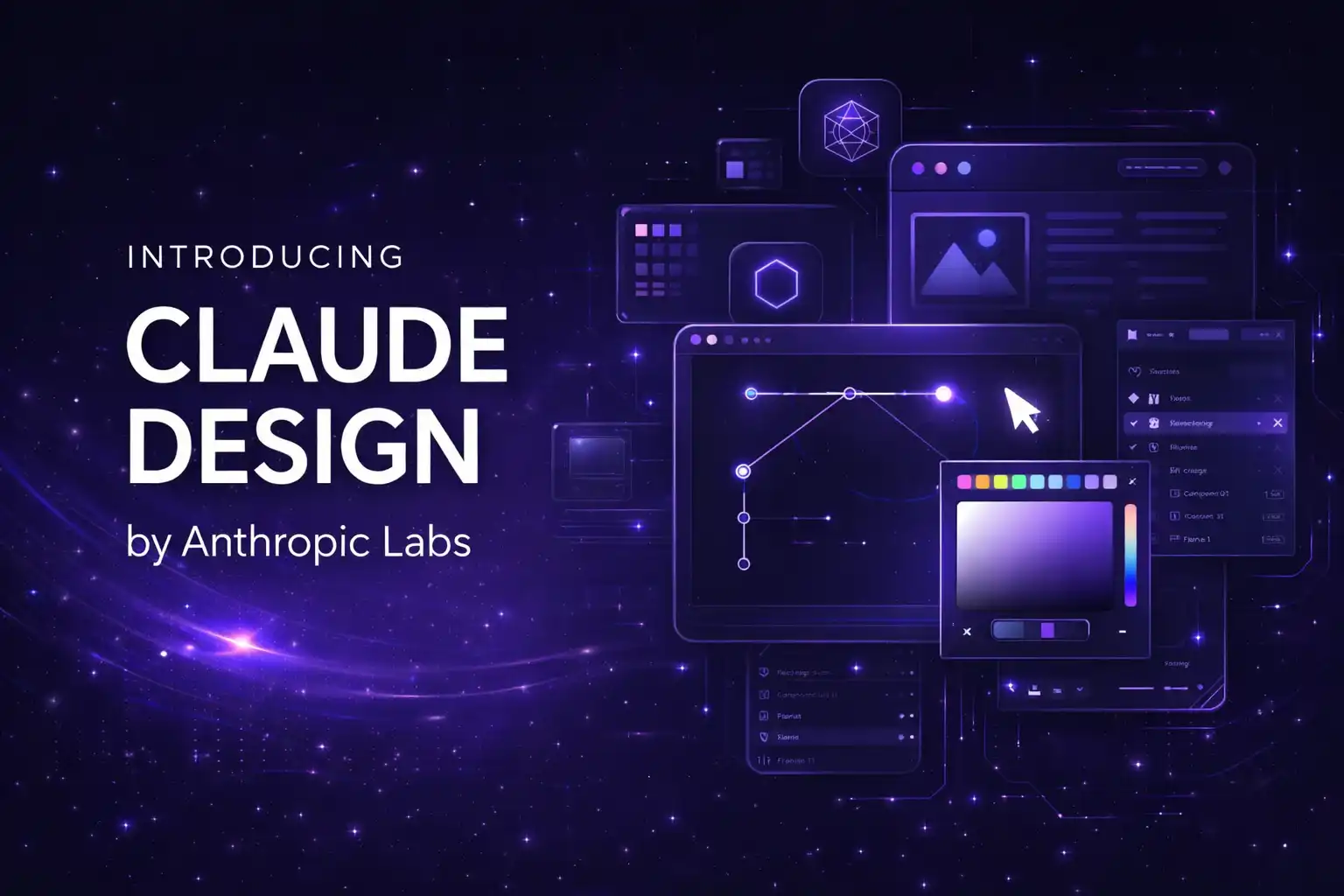
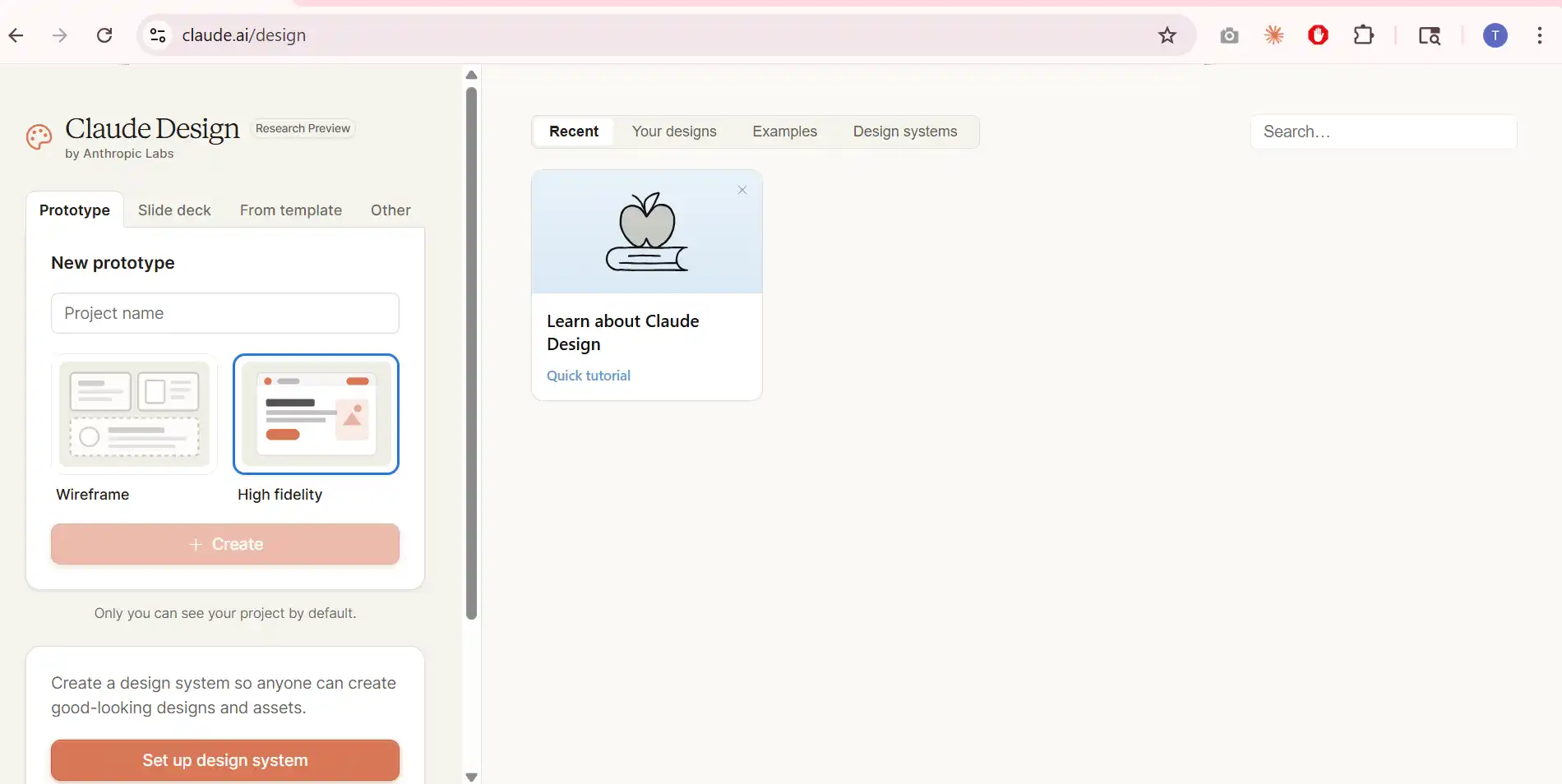
That’s exactly where Claude Design comes in. It’s a new tool by Anthropic that lets you create designs, prototypes, slides, and even full visual projects just by describing what you want. And then… You refine it through conversation. Simple.
Here are the key ways Claude Design changes how design work actually happens.
What Claude Design Actually Does
You might be wondering… is this just another AI tool?
Not really. This feels different. Because instead of giving you one output and stopping there, Claude works with you like a collaborator. You describe something. It builds a version. Then you tweak it. Then it improves again.
So it’s not just “generate and done.” It’s more like “create, refine, improve… together.”
And here’s the interesting part. It’s powered by Claude Opus 4.7, which is designed for strong visual understanding. That’s why it can handle layouts, colors, structure, and even consistency across designs without breaking things.
Where people are already using it
- Designers exploring multiple creative directions quickly
- Founders building pitch decks without hiring designers
- Product managers creating wireframes before development
- Marketers designing landing pages and social creatives
- Teams building interactive prototypes without coding
And honestly… this mix is what makes it powerful. It’s not limited to designers.
Designing Feels More Like Talking
Here’s what really changes things.
You don’t open complex software. You don’t drag elements for hours. You just… explain what you want.
“Create a clean landing page for a SaaS product.”
“Make a pitch deck for investors.”
“Design a mobile app onboarding screen.”
And Claude builds the first version.
Then you go:
“Make this section bigger.”
“Change colors to match our brand.”
“Add a CTA here.”
And it updates everything.
No friction. No starting from scratch again.
What makes this feel natural
- You can comment directly on parts of the design
- You can edit text without breaking the layout
- You can adjust spacing, colors, and structure easily
- You can apply changes across the entire design instantly
So instead of struggling with tools, you focus on the idea.
And that’s a big shift.
Your Brand Is Already Built In
This is where things get interesting.
Normally, keeping designs consistent is hard. Fonts change. Colors don’t match. The layout feels off across different pages.
Claude solves this by creating a design system for your team during onboarding.
It reads your codebase or design files and understands:
- Your colors
- Your typography
- Your components
Then every design automatically follows that system.
So whether you’re making a pitch deck or a landing page… everything looks like it belongs to your brand.
Why this matters
- No need to explain brand guidelines again and again
- No mismatched designs across teams
- Faster creation without losing consistency
And honestly… most teams struggle here. So this alone saves time.
You Can Start From Anywhere
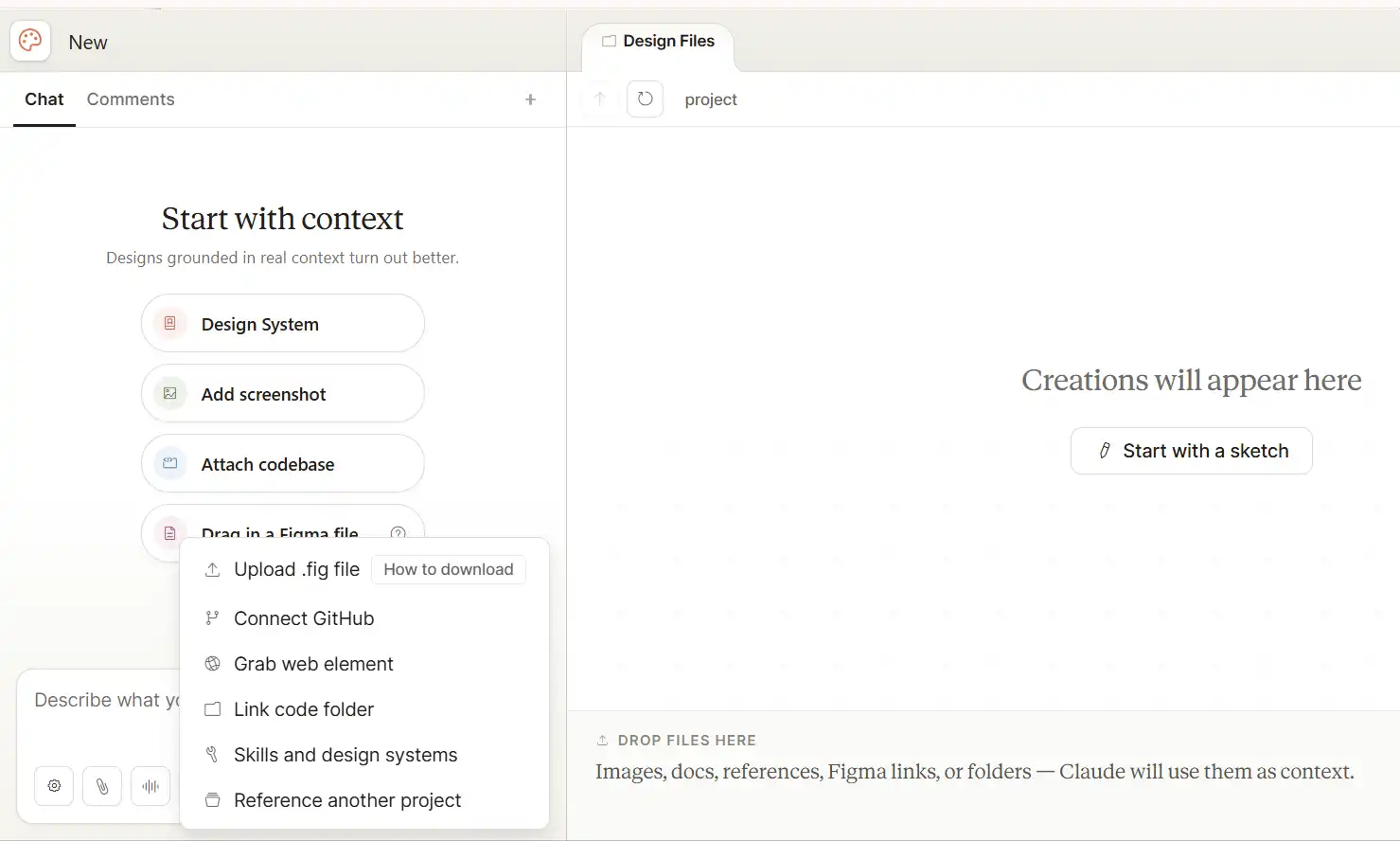
Not everyone starts with a blank prompt. Sometimes you already have something.
Claude Design allows that.
You can:
- Upload documents (DOCX, PPTX, XLSX)
- Add images or references
- Pull content from your website
- Even connect your codebase
So instead of rebuilding things, you improve what already exists.
That means:
A rough draft → becomes a polished design
A basic document → turns into a presentation
A static mockup → becomes an interactive prototype
And this feels… practical.
Prototypes Without Coding
Let’s talk about something people usually avoid.
Prototyping.
Because it normally involves tools, code reviews, and back-and-forth between teams.
Claude Design simplifies this.
You can turn static ideas into interactive prototypes that people can actually use and test.
No coding needed.
What this changes
- Faster feedback from users
- Better product decisions early
- Less dependency on developers for initial validation
And you can share these prototypes easily with your team.
So instead of explaining ideas… You show them.
Real Collaboration, Not Just Sharing
You’ve probably shared designs before.
Send a file. Wait for feedback. Get comments. Repeat.
Claude Design handles this differently.
You can:
- Share designs within your organization
- Allow others to view or edit
- Work together in the same conversation
So feedback happens instantly.
Someone suggests a change → you apply it → Claude updates the design
No long cycles. No confusion.
This feels closer to real teamwork
And that’s the point.
Export and Use Anywhere
Once your design is ready, you’re not stuck inside the tool.
You can export it as:
- PPTX (for presentations)
- Canva-compatible files
- HTML files
Or just share it as a link inside your organization.
So whether you’re pitching, presenting, or building… your work moves forward easily.
From Design to Development
Here’s something most tools don’t handle well.
The gap between design and development.
Claude Design reduces that gap.
Once your design is ready, it creates a handoff bundle.
You pass it to Claude Code… and development can begin.
No confusion. No missing details.
Just a smoother transition.
Why This Feels Different
Look, AI tools are everywhere right now.
But most of them do one thing: generate output.
Claude Design is trying to do something else.
It’s trying to stay with you during the process.
You don’t just get a result. You get iteration. Exploration. Refinement.
And that matters.
Because design is not about getting it right once.
It’s about improving it step by step.
Who Should Actually Use This
This is where many people get confused.
“Is this for designers only?”
No.
It’s useful if you are:
- A founder trying to pitch ideas
- A marketer creating campaigns
- A product manager planning features
- A designer exploring faster
- Or just someone with an idea
Because the biggest barrier in design is not tools.
It’s getting started.
And this removes that barrier.
Availability and Access
Right now, Claude Design is in research preview.
It’s available for:
- Claude Pro users
- Max users
- Team plans
- Enterprise users
And access is rolling out gradually.
For enterprise teams, it needs to be enabled by admins.
Final Thoughts
So what’s the real takeaway here? Claude Design is not just about creating visuals. It’s about making design feel accessible.
You don’t need to be perfect.
You don’t need to know tools.
You don’t need to start from scratch.
You just need an idea. And then… You build it. Improve it. Shape it. Step by step. That’s where things start to change.