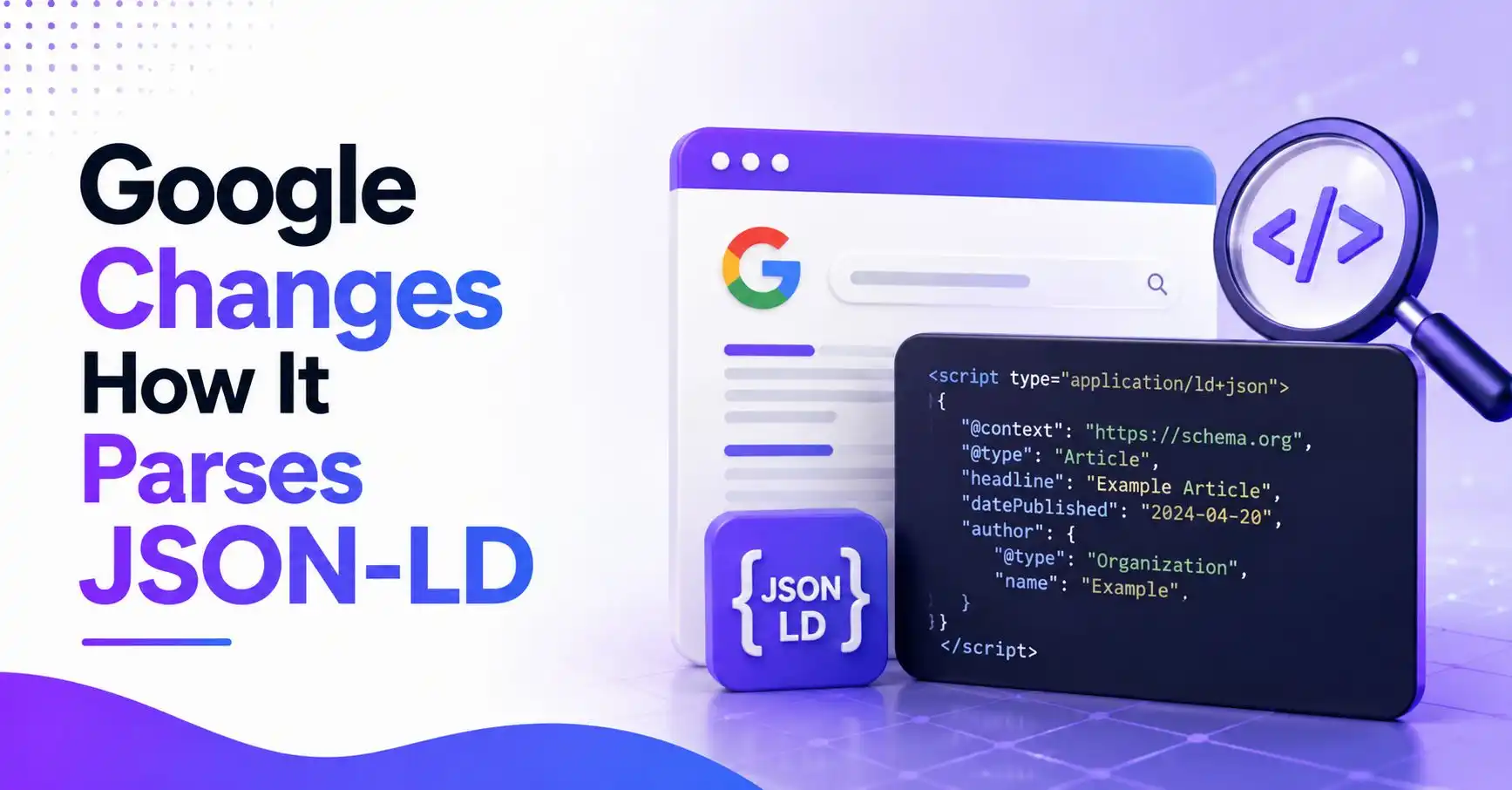
On August 21, 2026, Google Search Central announced a shift in how Googlebot reads JSON-LD structured data. The parser now applies only a single pass of HTML unescaping instead of quietly fixing double-escaped entities. That small technical shift can break schema markup that used to work fine.
Here’s what the update actually changes, why it affects rich results like prices, ratings, and FAQs, and the exact fix to apply to your JSON-LD before Google stops reading it correctly.
What Did Google Change in JSON-LD Parsing?
Google’s JSON-LD parser used to auto-correct sloppy markup. If your code had a double-escaped entity like & or ✔, Googlebot quietly unescaped it twice and still read the value correctly. As of August 2026, that auto-correction is gone. The parser now unescapes HTML only once, matching the JSON standard defined in RFC 8259.
This isn’t a ranking algorithm update. It’s a parsing standard change. Google says the goal is to bring its JSON-LD extraction in line with JSON and other standards, rather than silently forgiving markup errors that shouldn’t exist in valid JSON in the first place.
The change, in specifics
- Before:
&in a JSON-LD string got unescaped twice, resolving to a plain ampersand. - After: the same entity resolves only once, so Google reads it as the literal text
&, not a plain ampersand. - The same applies to numeric entities like
✔(a checkmark). Google no longer unrolls it back to the actual symbol. - Only one pass of unescaping happens now, matching RFC 8259 Section 7, the JSON spec’s own rule for string escaping.
- Standard JSON escapes (like backslash-quote or backslash-backslash) and Unicode hex escapes such as
&for an ampersand still work exactly as expected.
That’s the change in plain terms. Now here’s why it matters if your site runs product, review, or FAQ schema.
Why Does This Change Matter for Rich Results?
If a CMS or plugin double-escapes special characters before writing them into a JSON-LD script tag, Google may now read broken or garbled values instead of the correct ones. That risks losing rich results for prices, star ratings, recipe ingredients, and FAQ answers, even though the visible page content never changed.
Many CMS platforms and page builders escape HTML entities automatically when saving content. When that escaped text gets dropped straight into a JSON-LD script without being converted back to proper JSON escaping, it gets double-escaped and sits unnoticed for years, because Google used to quietly fix it. That safety net is off now.
Where this tends to show up
- Product schema: an ampersand in a product name, like “Bed & Breakfast Voucher,” could now show up as a literal entity in rich results instead of the actual symbol.
- Review schema: special characters inside review text pulled through a double-escaping plugin can render incorrectly or fail validation.
- FAQ schema: apostrophes and quotation marks in questions or answers are common trouble spots when a WordPress plugin escapes text before it reaches the JSON-LD output.
- Recipe and how-to schema: measurement symbols or fractions written as numeric character references are exactly the kind of double-escaped values this update stops correcting.
- None of this breaks a page’s visible content. It only affects what sits inside the JSON-LD script block that search engines read.
None of this means panic. It means one quick check on your structured data before Google’s crawler catches the issue for you.
How Do You Fix Double-Escaped Entities in Your JSON-LD?
Run your site’s JSON-LD through a validator and look for stray entity sequences or numeric character references inside the script tag. Replace any double-escaped HTML entity with a standard JSON escape or a Unicode hex escape like &, so the parser only needs a single pass to read it correctly.
Fixing this is mostly a testing job, not a rewrite. Pull up a handful of pages that use schema markup for products, reviews, recipes, or FAQs, and check the raw JSON-LD output rather than the rendered page.
A quick fix checklist
- Test key pages with Google’s Rich Results Test and the Schema Markup Validator at validator.schema.org. Both show the parsed JSON-LD, so wrong-looking values are easy to spot.
- Search the raw JSON-LD source for an ampersand entity followed by another entity. That pattern usually means double escaping is happening somewhere in the template.
- If a CMS field auto-escapes HTML, decode it once before writing it into the JSON-LD, then let standard JSON escaping handle the rest.
- Use Unicode hex escapes where needed, such as
&for an ampersand, instead of numeric HTML entities. - Recheck a few days after the fix using the Rich Results report in Search Console to confirm the structured data reads as expected again.
A short audit now saves a longer cleanup later, especially where product, review, or FAQ rich results are part of how a site earns clicks from search.
Read Also: Why Did Google Remove FAQ Rich Results From Search?
Frequently Asked Questions
What changed in how Google parses JSON-LD?
Google now applies only one pass of HTML unescaping to JSON-LD scripts instead of auto-correcting double-escaped entities. Markup that was double-escaped is no longer unrolled twice, so it needs to be written using standard JSON or Unicode hex escapes instead.
Will this affect my site’s rankings?
This is a parsing change, not a ranking signal change. It can affect whether Google reads specific values inside your structured data correctly, which in turn affects rich results like star ratings or FAQ snippets, not your overall search ranking.
How do I know if my JSON-LD has double-escaped entities?
Open a page’s raw JSON-LD in Google’s Rich Results Test or the Schema Markup Validator and look for stray entity sequences or numeric character references. If those should cleanly resolve to a symbol like an ampersand, the markup is likely double-escaped.
What’s the correct way to escape special characters in JSON-LD now?
Use standard JSON string escapes or Unicode hex escapes such as & for an ampersand, per RFC 8259 Section 7. Avoid relying on HTML entities inside a JSON-LD script tag altogether.
Google’s move to single-pass HTML unescaping in JSON-LD is a small technical fix with a real practical impact. It rewards clean, standards-compliant markup and stops forgiving double-escaped entities that used to slide through unnoticed. Check the raw JSON-LD on key pages, swap out double-escaped entities for proper JSON or Unicode hex escapes, and rich results should keep showing up exactly as before.