You’ve been publishing content for months. Maybe years. But getting someone to actually follow you inside Google? That was never an option before.
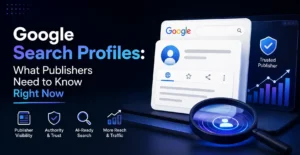
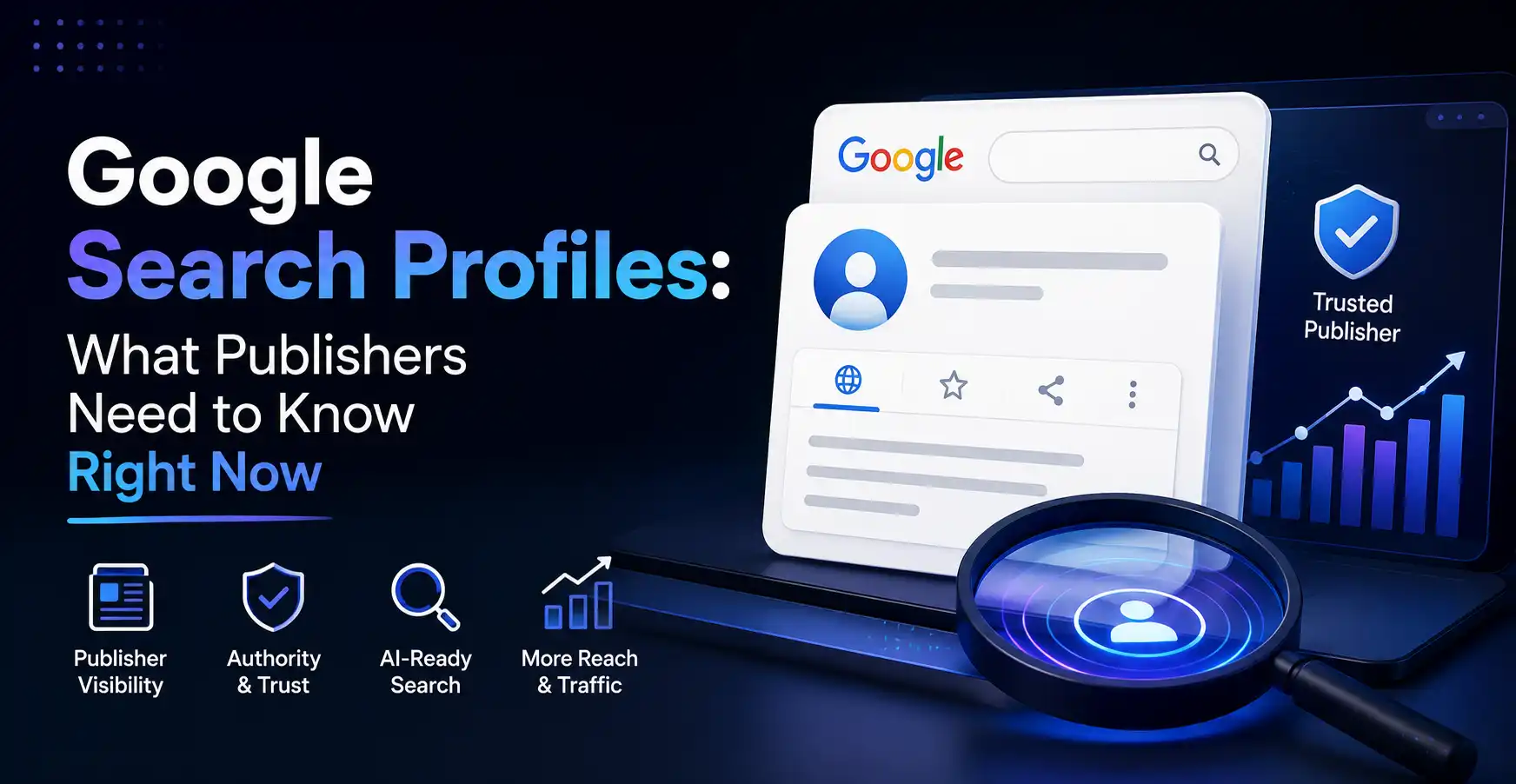
Google changed that in June 2026. It launched Google Search Profiles inside Google Discover, giving publishers a real landing page right inside Google’s own app. Readers can now see all your content in one place and follow you directly without leaving Google.
This blog breaks down exactly what Search profiles are, who can claim one today, how the setup works, and what it means for your content’s reach going forward.
What Google Search Profiles Are and How They Work
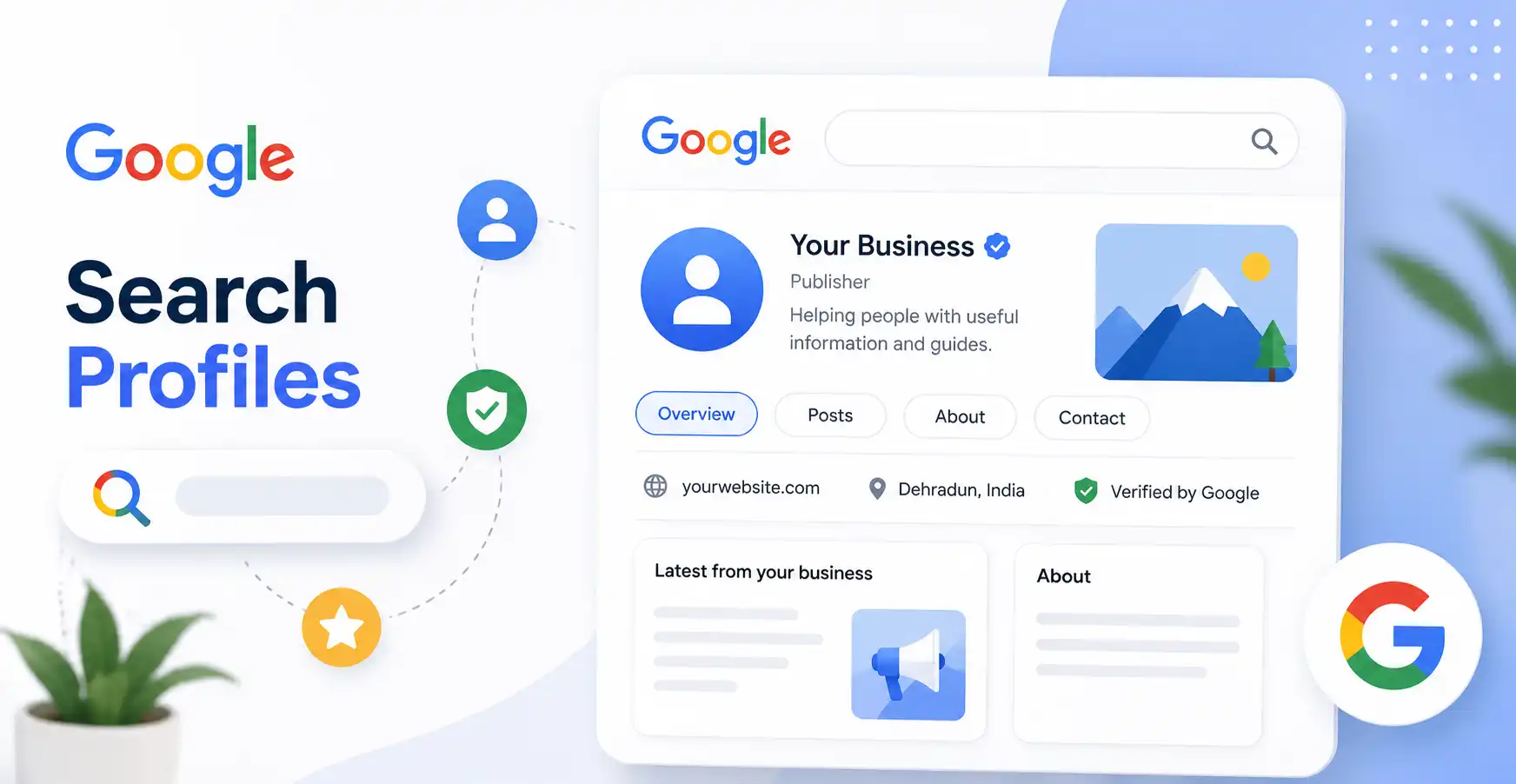
A Search profile is a publisher page that lives inside Google Search and Discover. When someone taps your name inside the Discover feed, they no longer go straight to a single article. They land on a page showing everything you publish.
That includes your latest articles, YouTube videos, and posts from connected social platforms, all pulled together automatically. Google describes it as a special, shareable space where you can showcase content from different platforms.
What appears on a Search profile page
- A large banner image displayed at the top of the page.
- A follow button so readers can subscribe directly from inside Google
- Your latest articles pulled from your website
- Recent videos from your connected YouTube channel
- Social posts from platforms you link to your profile
- A short name URL for easy sharing, like google.com/search/profile/yourname
The follow button is what makes this genuinely useful. When a reader follows you from your Search profile, your content becomes more likely to show up in their Discover feed going forward. So it’s not just a profile page. It’s a direct subscription channel built inside Google itself.
Who Can Claim a Google Search Profile Right Now
Google is rolling this out in phases, starting with the US. Right now, access is limited to publishers and creators with a sizeable following on at least one major content platform.
Here are the exact follower thresholds Google has set to qualify:
Minimum follower requirements by platform
- TikTok: 300,000 followers minimum
- YouTube: 100,000 followers minimum
- Instagram: 100,000 followers minimum
- X (formerly Twitter): 100,000 followers minimum
You only need to cross the threshold on one platform. Not all four. If you qualify on any single platform, you can claim your profile, customise it with an avatar, bio, website link, and connected accounts, and start building followers inside Google.
Smaller publishers don’t have access yet. But Google has confirmed the rollout will expand over time. Getting familiar with how it works now puts you ahead when that access opens up.
How Google Search Profiles Connect to Knowledge Panels
Here’s something most coverage of this feature skips over. Claiming a Search profile can directly affect your Knowledge Panel status.
A Knowledge Panel is the box Google shows on the right side of search results for recognised brands, creators, and entities. It signals to Google that your brand is a real, established source. It also builds trust with anyone who searches for you.
Claiming a Search profile can trigger the creation of a Knowledge Panel if you don’t already have one. If you do have one, it gets updated automatically with your new avatar, latest content, and a direct link to your Search profile.
What changes in your Knowledge Panel after claiming a profile
- Your updated avatar and header image appear in the panel
- Your latest published content shows inside the Knowledge Panel
- A direct link to your Search profile gets added to the panel
- Google’s knowledge graph gets a stronger signal about your entity
That’s a meaningful SEO benefit that comes from a single setup action. Your search presence gets cleaner without any extra work beyond claiming the profile.
How to Get and Set Up Your Search Profile
Google has published support pages covering each step of the process. The setup is self-serve once you meet the eligibility criteria.
Step-by-step to get your profile live
- Search “create a Search profile Google” on Google to find the official support page
- Check if Google has already auto-generated a profile for you using the “claim an existing Search profile” flow
- Once access is granted, set your avatar, header image, and a short bio
- Link your website, YouTube channel, Instagram, X, or any other platforms you publish on
- Visit Google’s “manage a Search profile” page whenever you want to update your details later
One thing to do right after setup: check your short name. Google recently added short names to Search profiles, giving publishers a clean, shareable URL. Use it in your bio links, newsletters, and social profiles so readers can reach your Google profile directly.
Why This Matters More Than It Looks in 2026
Google Discover already sends significant traffic to content publishers. It runs passively inside the Google app, pushing articles to users based on their interests without them searching for anything. A lot of that distribution happens silently.
Search profiles add a repeatable layer on top of that. A reader who finds one article from you can now land on your profile, follow you, and keep seeing your content in their Discover feed automatically. No email list needed. No separate social following required. Just follow inside Google.
The bigger picture here is this: AI Overviews are already answering many queries without clicks. Traditional organic search traffic is under real pressure. Discover is becoming a more important distribution channel as a result. And Search profiles are the infrastructure that makes that channel personal and consistent.
Publishers who claim their Google Search Profiles now, connect their platforms properly, and grow a follower base inside Google are building something most brands haven’t started thinking about yet. That’s the real opportunity sitting inside this feature.