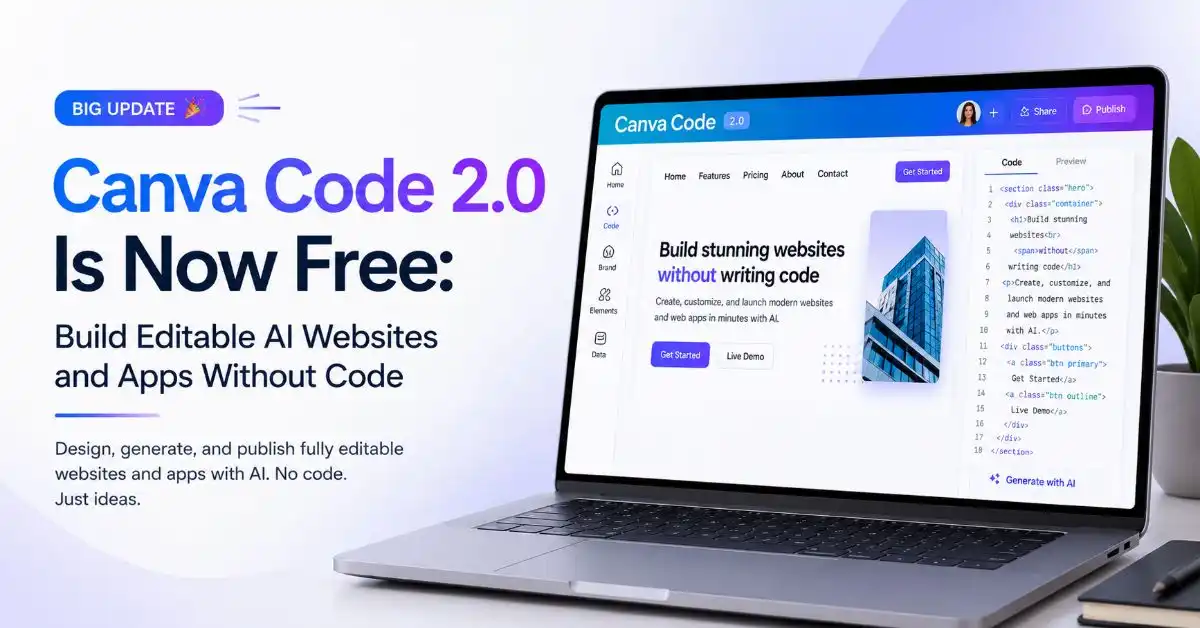
Building a website used to mean either hiring a developer or wrestling with a page builder for a weekend. Canva just shrank that job to a sentence. As of July 16, 2026, Canva Code 2.0 is available to everyone, free and education accounts included, and it turns a plain-text prompt into a real, editable website or app.
This is a big deal for anyone who builds online but does not write code. Here is what actually changed and how to use it.
What Is Canva Code 2.0?
Canva Code 2.0 is an AI coding tool that lives inside the Canva Visual Suite. You describe what you want in plain language, and it generates an interactive design: a website, an app, a game, or a learning hub. The catch that makes it interesting is that the output is not locked code. It becomes a normal Canva design you can edit with the same drag-and-drop tools you already use.
You can build a standalone site or drop an interactive element straight into a presentation or whiteboard. It works across Canva’s free, Pro, Business, Enterprise, and Education plans.
What’s New in the 2.0 Release
The headline change is access. The tool used to sit behind paid tiers, and now free users get it too. Canva’s co-founder Cameron Adams confirmed the tool was opening up to every Canva user, free accounts included.
A few other upgrades matter just as much:
- HTML import: Paste in existing HTML, even something built by another AI tool, and Canva turns it into an editable design instead of frozen code
- 50+ templates: Start from a prompt or a ready-made Canva Code template
- Faster output: Canva says code generation is 75 percent quicker, and the median time from prompt to publishing is 30 percent faster
- Direct publishing: Push live on a free Canva domain, buy a custom domain inside Canva, or share within your team
Canva has not disclosed the benchmark behind those speed figures, so treat them as directional rather than gospel.
The Real Difference: You Can Edit Everything
Most AI website tools trap you in the prompt box. You ask, it builds, and if you want a small change, you ask again and hope. Canva Code 2.0 breaks that loop. You can change text, colors, fonts, images, and individual elements by hand in the editor, or ask Canva AI to revise just one selected part.
It also plugs into Canva’s asset library, which the company says holds more than 120 million items, plus your own brand fonts and colors. That matters more than it sounds. Adams framed the editing control as the answer to a real problem: when everyone uses the same AI, what sets you apart is whether what you make actually looks like you. Generic AI output is easy. On-brand output is the hard part, and that is where this update aims.
Also Read: NotebookLM Is Now Gemini Notebook: What Changed and Why It Matters
Why This Matters for Marketers and Founders
If you run a brand, an agency, or a small team, this is a genuinely useful tool, not just a shiny demo. A few ways to put it to work:
- Landing pages fast: Spin up a campaign page in minutes without booking dev time
- Interactive content: Build quizzes, calculators, or mini-apps that pull people in and earn links
- Lead capture: Publish a form as a site and send responses straight into Canva Sheets
- Client prototypes: Show a working concept in a meeting instead of a static mockup
- Repurposing: Bring an AI-built HTML draft into Canva and make it match the brand
For agencies especially, the HTML import is the sleeper feature. You can prototype somewhere else, then bring it into Canva to polish, brand, and publish, all in one place.
A Word of Caution
Free and fast does not mean it replaces real web development. Complex sites, custom functionality, and anything needing serious SEO control still call for a proper build. There is also the sameness problem. When millions of people use the same generator, most outputs start to look alike. The brand kit and manual editing help, but only if you actually use them. Treat Canva Code as a speed tool for simple pages and interactive content, not a one-click agency replacement.
Bottom Line
Canva Code 2.0 going free lowers the barrier to building on the web to almost nothing. Prompt it, edit it like any Canva design, brand it, and publish it. For marketers, founders, and small teams that need pages and interactive content without a developer, it is worth testing this week. Just remember that the tool gets you started fast, and the brand and strategy behind it are still on you.
You can read the original report on EdTech Innovation Hub.
FAQs
Is Canva Code 2.0 free?
Yes. As of July 16, 2026, Canva Code 2.0 is available to all users, including free and education accounts, across the Canva Visual Suite. It was previously limited to paid tiers.
What can you build with Canva Code 2.0?
Websites, apps, interactive experiences, games, forms, and learning hubs. You start from a prompt, a template, or imported HTML, then edit the result with Canva’s normal drag-and-drop tools.
Can you edit what Canva Code generates?
Yes, fully. You can change text, colors, fonts, images, and individual elements by hand, or ask Canva AI to revise a selected part. It also connects to Canva’s asset library and your brand kit.
Can Canva Code replace a web developer?
Not for complex sites. It is great for simple pages, prototypes, and interactive content, but custom functionality and advanced SEO still need a proper development approach.