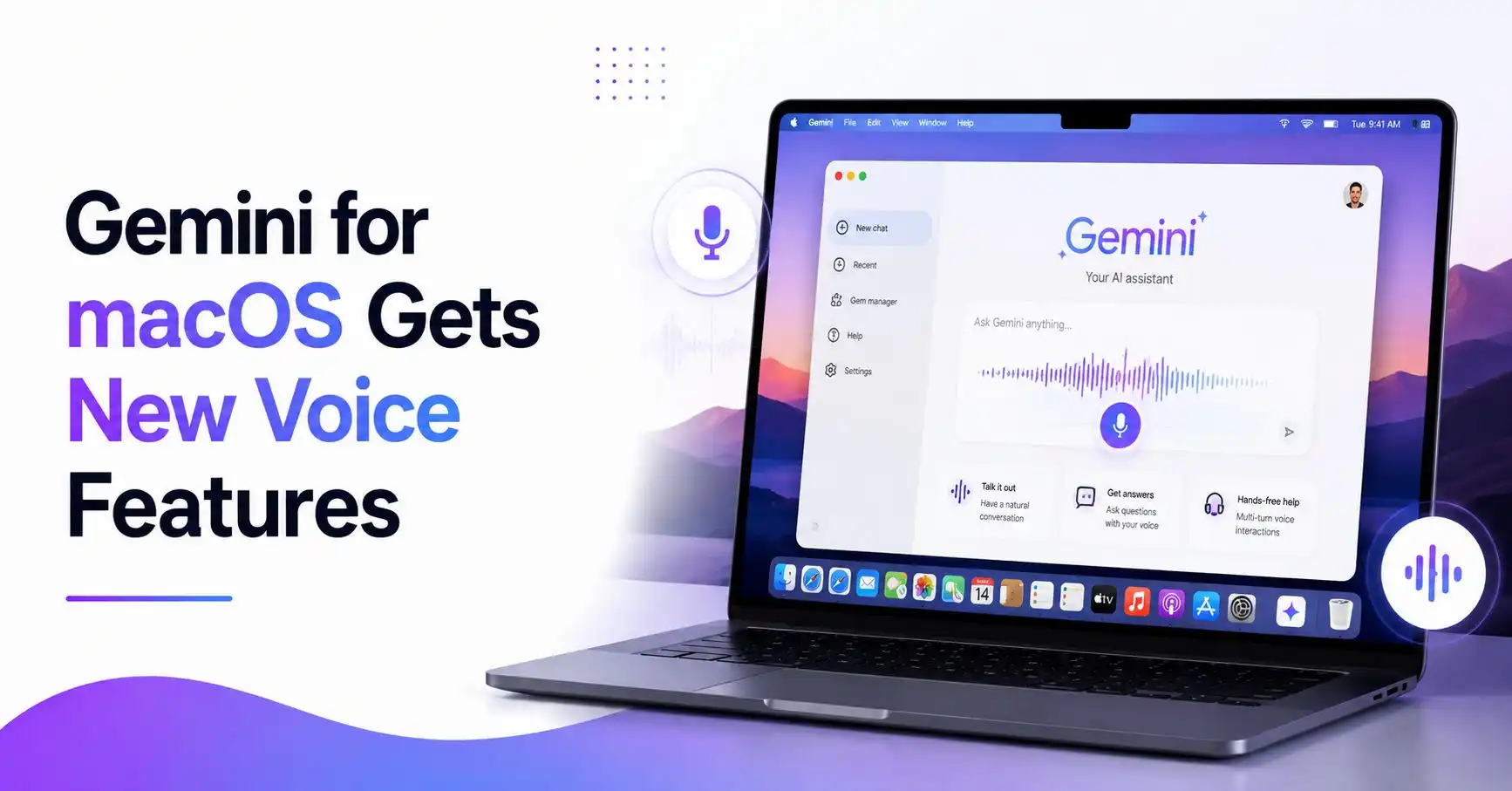
Google has introduced new Gemini for macOS features that make it easier to write, edit, and summarize content using your voice. The update lets users interact with Gemini directly from any app on their Mac, eliminating the need to switch between windows while working.
With a simple long press of the Fn key, users can start speaking naturally. Gemini can automatically transcribe speech into polished text, remove filler words, and even perform more advanced tasks like rewriting documents, summarizing files, and generating images.
The new voice capabilities are rolling out globally for English-speaking users, with support for more languages expected in future updates.
What’s New in Gemini for macOS?
The latest update transforms the Gemini app for macOS into a more capable desktop assistant by bringing voice-powered AI directly into your workflow.
Instead of opening a separate chat window, users can activate Gemini while working in any application and complete tasks using natural language.
Google says the feature is designed to help users stay focused by reducing the need to copy, paste, or switch between apps.
Smarter Voice Dictation
One of the biggest additions is intelligent voice dictation.
After pressing and holding the Fn key, users can simply speak normally. Gemini automatically converts speech into clean, well-formatted text without requiring users to dictate punctuation or manually fix mistakes.
The system can:
- Remove filler words like “um” and “ah”
- Correct spoken mistakes
- Understand mid-sentence corrections
- Insert polished text directly where the cursor is placed
This makes writing emails, notes, or documents much faster using only voice.
Also Read: What Is Gemini File Generation and How Does It Work?
More Than Just Voice Typing
Users can also enable Gemini reasoning from the app settings for more advanced capabilities.
Once enabled, Gemini understands the context of selected content on the screen and can perform tasks beyond simple transcription.
Summarize Files and Documents
Users can highlight local documents, PDFs, or images and ask Gemini to summarize the information.
Google demonstrates this by showing how Gemini can read veterinary records and generate a summary email containing a pet’s medical history.
Rewrite Text
Gemini can instantly rewrite highlighted text using voice commands.
For example, users can ask it to:
- Improve grammar
- Change the writing tone
- Create an executive summary
- Add a TL;DR
- Rewrite notes into a professional document
The updated text is inserted directly into the application being used.
Generate and Edit Images
The update also brings voice-controlled image creation and editing.
Users can generate new visuals or modify existing images by describing the changes they want.
For example, Gemini can create a dark-mode version of an existing illustration or update a design using natural language commands.
Also Read: What Is Gemini 3.5 Flash? Everything You Need to Know
Why This Update Matters
Voice assistants have traditionally focused on answering questions or performing simple commands.
With this update, Gemini for macOS becomes a productivity tool that can actively help with writing, editing, summarizing, and creative work inside existing desktop applications.
For professionals, students, writers, and content creators, this reduces interruptions and allows work to continue without switching between multiple AI tools.
Availability
The new Gemini voice features are rolling out globally to all users of the Gemini app for macOS in English.
Google says additional language support will be added in future updates.
Final Thoughts
The latest Gemini for macOS update makes voice interaction more practical for everyday work. Instead of acting as a basic dictation tool, Gemini can now polish text, summarize documents, rewrite content, and even generate images using natural language.
As AI becomes more integrated into desktop workflows, features like these make it easier for users to complete tasks without leaving the applications they’re already using.
Frequently Asked Questions
What are the new voice features in Gemini for macOS?
Gemini for macOS now supports intelligent voice dictation, text rewriting, document summarization, and image generation using natural language.
How do I use Gemini voice features on macOS?
Users can activate Gemini by pressing and holding the Fn key and speaking naturally. Gemini then inserts polished text or performs the requested task directly within the current application.
Can Gemini for macOS summarize documents?
Yes. Users can highlight documents, files, or images and ask Gemini to summarize or extract information using voice commands.
Can Gemini for macOS rewrite text?
Yes. Gemini can rewrite selected text, improve grammar, change the tone, and create summaries without leaving the current app.
When are the new Gemini for macOS voice features available?
Google is rolling out the new voice features globally for English-speaking users of the Gemini app for macOS, with additional language support planned for future updates.