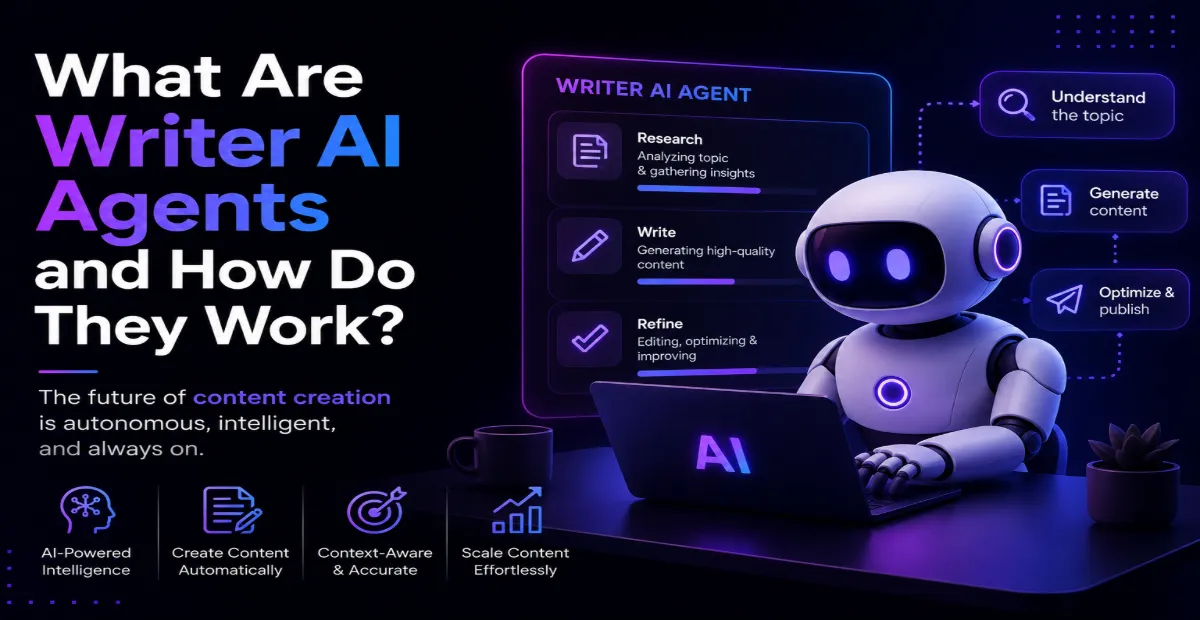
AI tools usually wait for instructions.
You open the tool, type a prompt, explain the task, and then the AI responds. That’s how most systems still work today.
But Writer is trying to change that with its new Writer AI agents. Instead of waiting for prompts, these agents can automatically detect business events and start workflows on their own.
How Do Writer AI Agents Work?
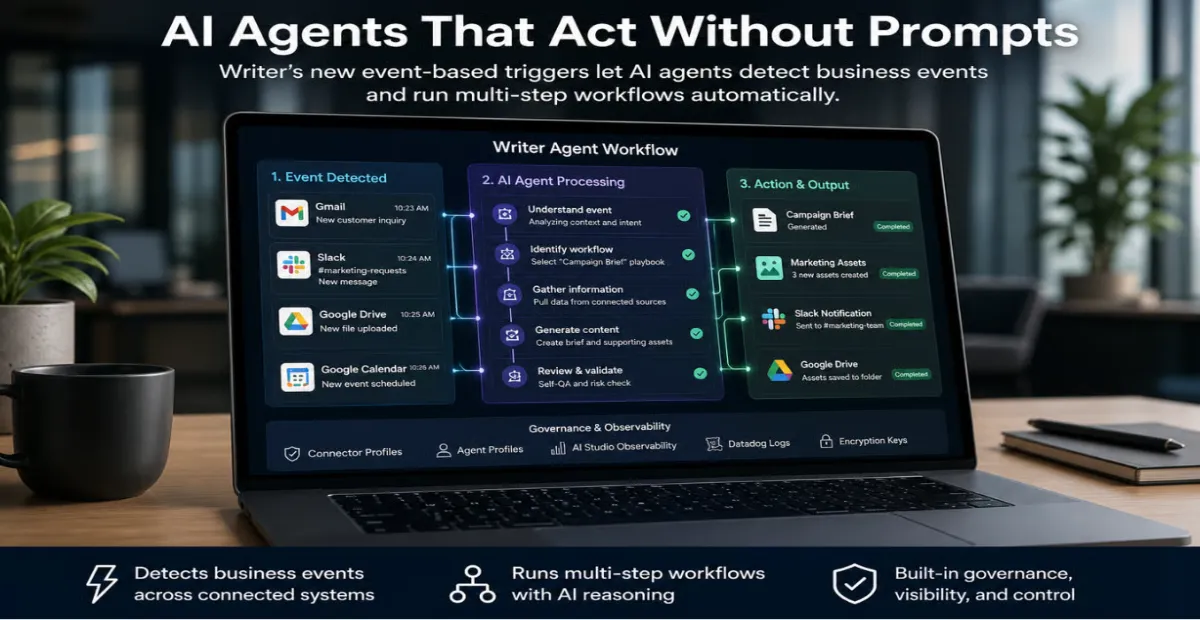
The system connects with enterprise tools like:
- Gmail
- Slack
- Google Drive
- Google Calendar
- Microsoft SharePoint
- Gong
When something important happens inside those platforms, the AI agent notices it automatically.
For example, if a new file is uploaded to Google Drive or a sales meeting ends in Gong, the system can instantly trigger a workflow without anyone manually starting it.
That workflow can include multiple steps like gathering information, generating content, organizing files, or preparing reports.
Why Is This a Big Shift?
The real change is not just automation.
It’s the fact that AI can now decide when work should begin.
Earlier, businesses still depended on people to notice tasks and trigger the next step. The writer says that in many companies, humans have become the bottleneck in repeatable workflows.
Now the system can react instantly when specific business events happen.
That’s where autonomous AI workflows become important. They reduce delays caused by handoffs, approvals, and constant coordination between teams.
What Makes Writer Different From Traditional Automation Tools?
Traditional automation platforms work with fixed rules.
Basically:
“If this happens, do that.”
The writer’s approach is different because the AI can reason through context instead of following only rigid logic.
The platform uses natural-language workflows called playbooks. Business teams can describe goals in simple language, and the AI decides how to execute the workflow across connected tools.
So instead of manually building every condition, companies can create more flexible automation systems.
Where Could Businesses Use This?
The biggest use cases are teams with repetitive workflows.
For example:
- Marketing campaign preparation
- Sales follow-ups
- Internal reporting
- Content creation workflows
- Research organization
A marketing team could upload a campaign brief to Google Drive, and the AI agent could automatically begin gathering assets, preparing drafts, and organizing deliverables.
That’s where enterprise AI automation starts becoming practical instead of experimental.
What About Security and Human Oversight?
This is the part companies care about most.
Giving AI more control also creates risks.
Writer added governance features that allow businesses to monitor what the AI does, which tools it accesses, and what workflows it triggers. Companies can also add approval checkpoints before important actions continue.
So the system is not completely uncontrolled. Humans can still stay involved where needed.
Final Thoughts
Writer’s launch shows how enterprise AI is moving beyond simple chatbots and productivity tools.
The focus is shifting toward AI systems that can actually manage recurring workflows automatically.
And honestly… the biggest question now is not whether AI can help businesses work faster.
It’s how much autonomy companies are willing to give it.