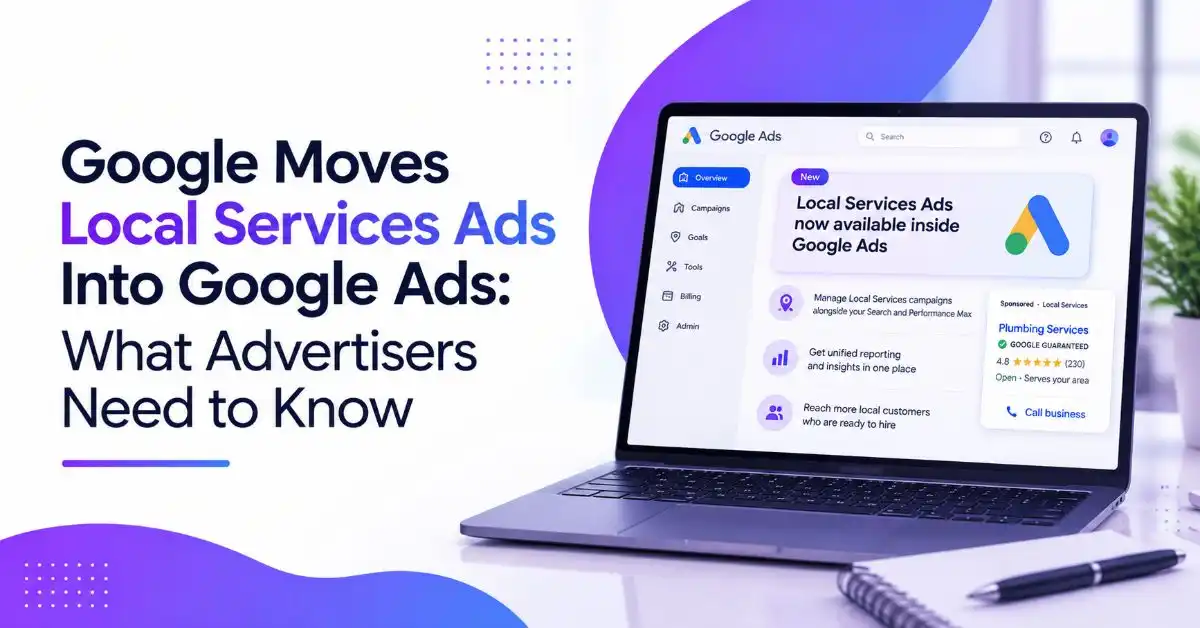
Google is officially bringing Google Local Services Ads into the Google Ads platform, marking one of the biggest changes to Local Services advertising in recent years.
Starting in August 2026, a small group of U.S. advertisers will begin migrating to Google Ads, with a broader rollout continuing through 2027. After the migration, advertisers will manage Local Services campaigns, leads, and reporting from a single Google Ads account instead of using a separate Local Services Ads dashboard.
While the billing model remains unchanged, advertisers will continue paying only for valid leads rather than clicks, the update introduces significant changes to campaign management, bidding, reporting, and budget settings.
Here’s everything you need to know about the Local Services Ads migration and how it could affect your advertising strategy.
Why Google Is Moving Local Services Ads Into Google Ads
Google’s goal is to simplify campaign management by bringing Local Services Ads into the same platform where advertisers already manage Search, Display, YouTube, and Performance Max campaigns.
Instead of switching between two different interfaces, advertisers will be able to:
- Manage Local Services campaigns inside Google Ads
- Respond to leads from one dashboard
- Access campaign settings alongside other Google Ads campaigns
- Use centralized reporting and campaign management tools
According to Google, this change is designed to streamline workflows while maintaining the same lead-generation experience businesses currently receive from Local Services Ads.
How the New Google Local Services Ads Will Work
Although Local Services Ads will now appear inside Google Ads, Google says their core functionality isn’t changing.
The new campaigns will be built as Performance Max pay-per-lead campaigns, but they’ll continue operating exclusively on Google Search and Google Maps.
Advertisers will still pay only for qualified leads such as:
- Phone calls
- Messages
- Booking requests
Unlike standard Performance Max campaigns, these campaigns won’t use keywords and won’t expand into additional Google inventory like YouTube or Display.
For most advertisers, customer acquisition will work much the same way, it will simply be managed from a different interface.
What’s Changing After the Local Services Ads Migration?
The Local Services Ads update introduces several changes that advertisers should understand before their accounts migrate.
Daily Budgets Replace Weekly Budgets
Previously, advertisers managed an average weekly budget.
After migration, campaigns will use an average daily budget, aligning Local Services Ads with the rest of Google Ads.
Manual Bidding Is Going Away
Businesses currently using manual bidding with maximum cost-per-lead settings will need to adjust.
Google is removing manual bidding support.
Instead, campaigns will automatically optimize toward Target CPA.
Campaign-Level Target CPA
One of the biggest changes affects businesses advertising multiple services.
Previously, advertisers could assign different Target CPA goals for different service categories.
For example:
- Plumbing
- HVAC
- Electrical services
After migration, Google will calculate a single campaign-level Target CPA across all services.
Businesses wanting different acquisition targets will need to separate those services into individual campaigns.
Google Business Profile Integration
Business information will now synchronize directly from Google Business Profile.
This includes:
- Business name
- Address
- Standard business hours
Instead of maintaining information in multiple places, advertisers will manage these details through Google Business Profile.
However, significant changes to business names or addresses may temporarily pause campaigns while Google completes its verification process.
Lead Management Moves Into Google Ads
The existing Local Services Ads inbox will be replaced by Lead Manager inside Google Ads.
This allows advertisers to respond to new leads without leaving the Google Ads platform.
Historical Reports Won’t Transfer
One of the biggest concerns for advertisers is reporting.
Although lead history will move to Google Ads, historical performance reports won’t.
Once an account is migrated, advertisers will permanently lose access to the old Local Services Ads dashboard.
If you rely on year-over-year reporting or client performance reports, Google recommends downloading historical reports before migration.
Migration Timeline
Google plans to roll out the migration gradually.
Here’s the expected timeline:
August 2026
A limited group of U.S. advertisers will migrate first.
The initial rollout includes businesses in industries such as:
- Home services
- Pet care
- Education
- Wellness
Late 2026
Google will expand the migration to additional U.S. advertisers and service categories.
During 2027
The rollout will continue internationally and include remaining business categories.
Before migration, Google will notify account administrators:
- 14 days before migration
- 7 days before migration
- After migration is complete
What Advertisers Should Do Before Migration
Preparing early can help avoid disruptions.
Download Historical Reports
Since historical reports won’t transfer, download:
- Performance reports
- Year-over-year comparisons
- Client reports
- Internal reporting data
Agencies managing multiple Local Services accounts should begin backing up reports before migration notices arrive.
Review Campaign Settings
After migration, verify that your campaigns still reflect your business goals.
Review:
- Daily budgets
- Campaign Target CPA
- Service categories
- Service areas
- Ad schedule
- Lead routing phone numbers
- Business information
- Photos and callouts
Although Google will migrate campaign settings automatically, reviewing them helps ensure everything is configured correctly.
Monitor Performance
Google says campaigns may begin serving immediately after migration.
However, advertisers should allow up to two weeks for campaign performance to stabilize while Google’s systems adjust.
During this period, monitor:
- Lead volume
- Cost per lead
- Conversion quality
- Budget pacing
Making significant campaign changes immediately after migration may make optimization more difficult.
What This Means for Advertisers
For many businesses, this Google Ads update won’t change how customers discover their services.
The biggest differences are operational rather than customer-facing.
Advertisers will gain a more centralized workflow but lose certain features, including manual bidding and separate service-level Target CPA settings.
Businesses with multiple service categories should carefully evaluate whether splitting campaigns provides better optimization than keeping services combined.
Smaller advertisers with limited lead volume may still benefit from consolidated campaigns, while larger advertisers may prefer separate campaigns for greater bidding control.
Final Thoughts
The migration of Google Local Services Ads into Google Ads represents Google’s continued effort to unify its advertising ecosystem.
Although the billing model and Search/Maps placement remain the same, advertisers should prepare for meaningful changes to bidding, budgeting, reporting, and campaign management.
Downloading historical reports, reviewing campaign settings, and understanding the new Target CPA structure before migration can help businesses transition smoothly when their accounts are moved.
As Google expands the rollout through 2027, advertisers should monitor performance closely and adjust campaign structures where necessary to maintain lead quality and advertising efficiency.
Frequently Asked Questions
What is changing with Google Local Services Ads?
Google is moving Local Services Ads into Google Ads, where they will operate as Performance Max pay-per-lead campaigns while continuing to appear on Google Search and Maps.
When will the Local Services Ads migration begin?
The migration begins in August 2026 for a limited group of U.S. advertisers, with additional accounts migrating throughout 2026 and 2027.
Will advertisers still pay per lead?
Yes. Google Local Services Ads will continue using a pay-per-lead billing model, meaning advertisers pay only for valid leads such as calls, messages, and bookings.
Will historical Local Services Ads reports transfer to Google Ads?
No. Lead history will transfer, but historical performance reports will not. Advertisers should download important reports before migration.
What should advertisers do before migrating?
Advertisers should back up historical reports, review campaign settings, verify business information, and monitor campaign performance after migration to ensure a smooth transition.